How We Built an AI-Native Video Editor in a Single Night
We had a folder of footage that had been sitting untouched for close to a year. A full year of a university group project lived in it: vlogs, devlogs, B-roll, bloopers, and a handful of genuinely good moments. We always told ourselves we would cut it into a montage one day, the kind of thing you watch back later and feel something. We never did.
The reason is simple, and slightly embarrassing: neither of us is an editor. Every time we opened a real editing tool we bounced straight off it, and so the footage just sat there. The gap between “raw clips” and “something worth watching” was a wall we never worked out how to climb.
This post is our attempt to explain the thing we built to fix that, and how it came together over a single night. The full project is open source and available on GitHub: github.com/BitByBit-B3/frame-os.
But why build an entire video editor in the first place, rather than learning to edit like a normal person? The honest answer is that we did not want to learn to edit. We wanted a tool we could simply talk to: drop the footage in, describe what we wanted, and get something editable back. That is the problem FrameOS is trying to solve, and a 24-hour buildathon turned out to be the excuse we needed to finally sit down and solve it.
How much detail each section goes into varies depending on how interesting the problem turned out to be. This is as much about how the night actually went as it is a tidy account of what we shipped.
Who “We” Are
A quick word on the team first. We are Ranuga (prdai) and Methika (Methika1234), two friends who, going in, mostly just wanted a competition. We wanted an excuse to push ourselves, to push the modern tooling as far as it would go, and to see how much two people could build in one sitting. That was the whole strategy. Find a hard thing, sit down with an unreasonable amount of caffeine, and start.
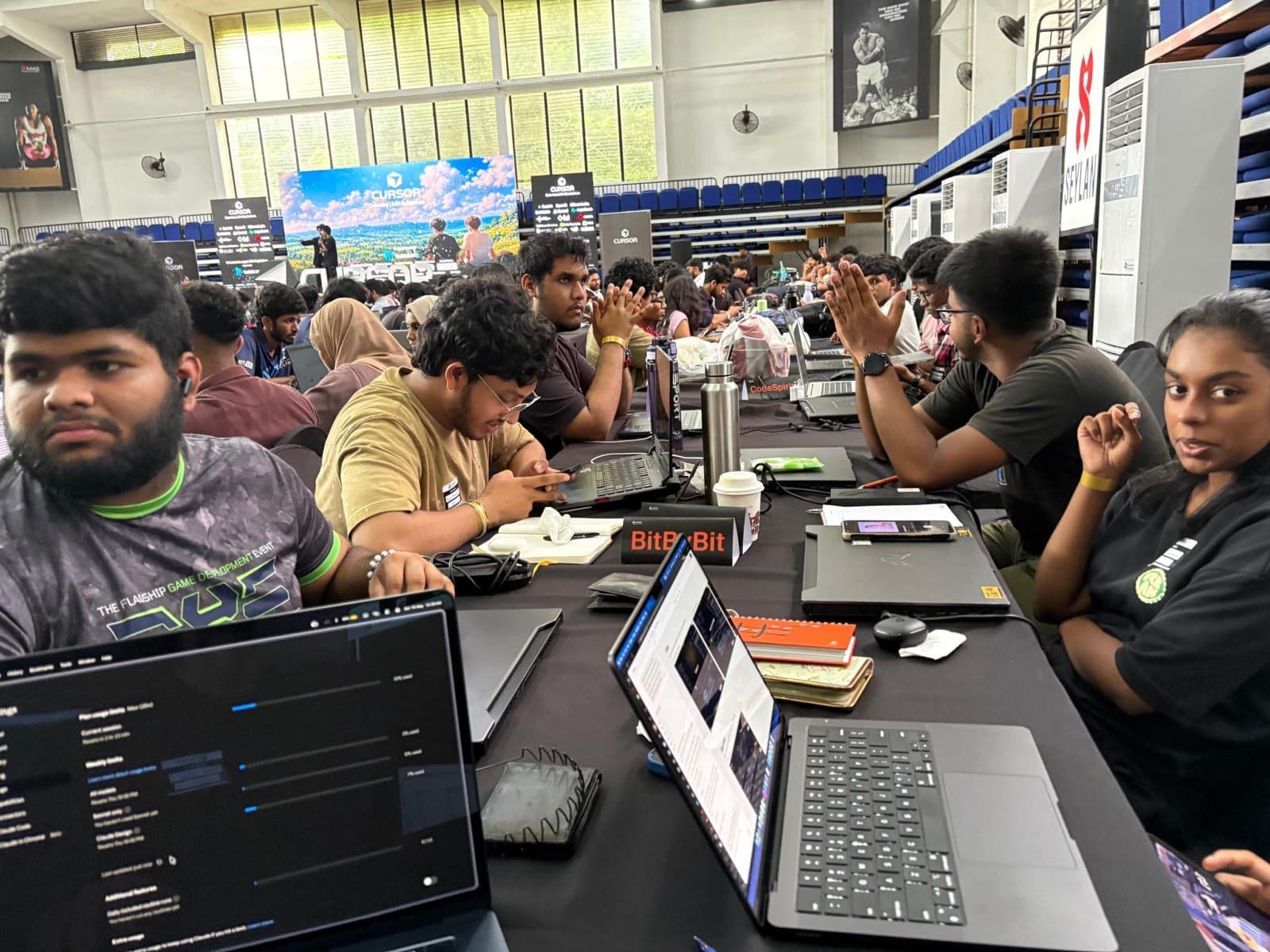
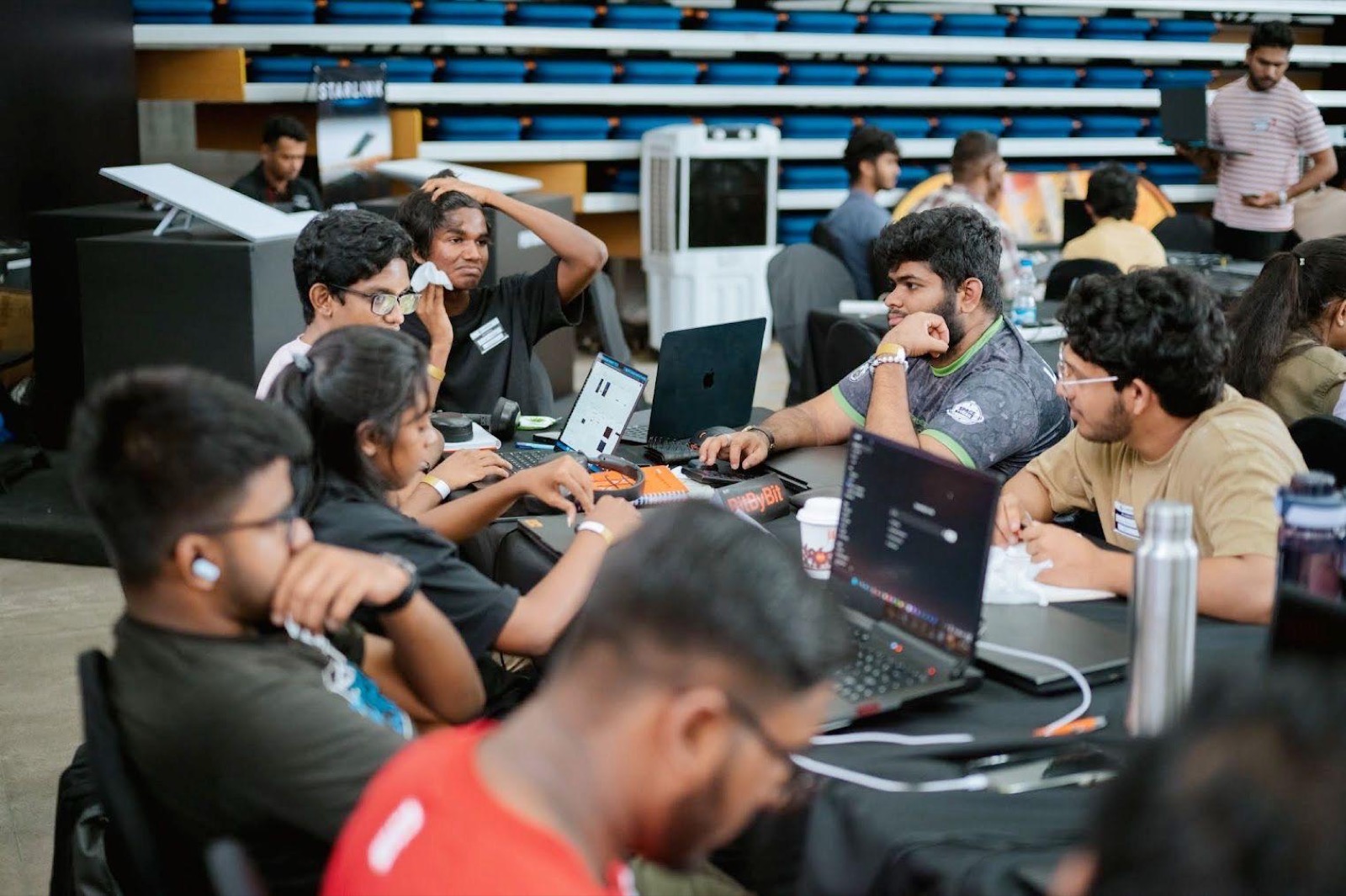
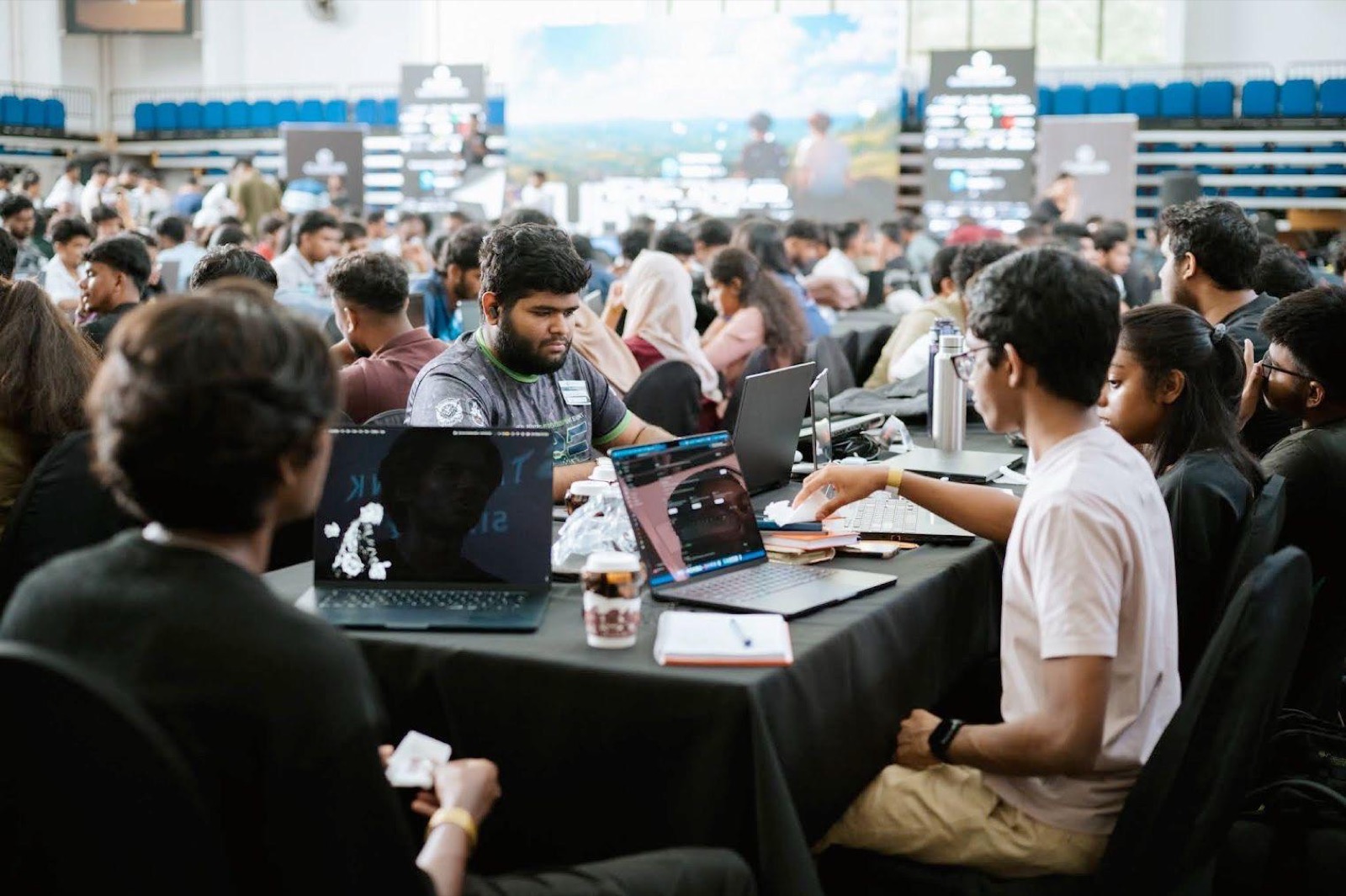
We registered as Team BitByBit and grabbed a table. The Cursor Colombo Buildathon is the largest of its kind in Sri Lanka (a few hundred builders from across the universities, all in one stadium for 24 hours), and that scale was part of the appeal. The footage problem was sitting in the back of our heads, and it was reason enough to begin.
The Idea, On A Notebook Page
Before we touched a keyboard, we worked the whole thing out on a single page of a notebook. If you have ever wondered what a product looks like before it is a product, that is roughly it: a page of arrows and half-legible words.
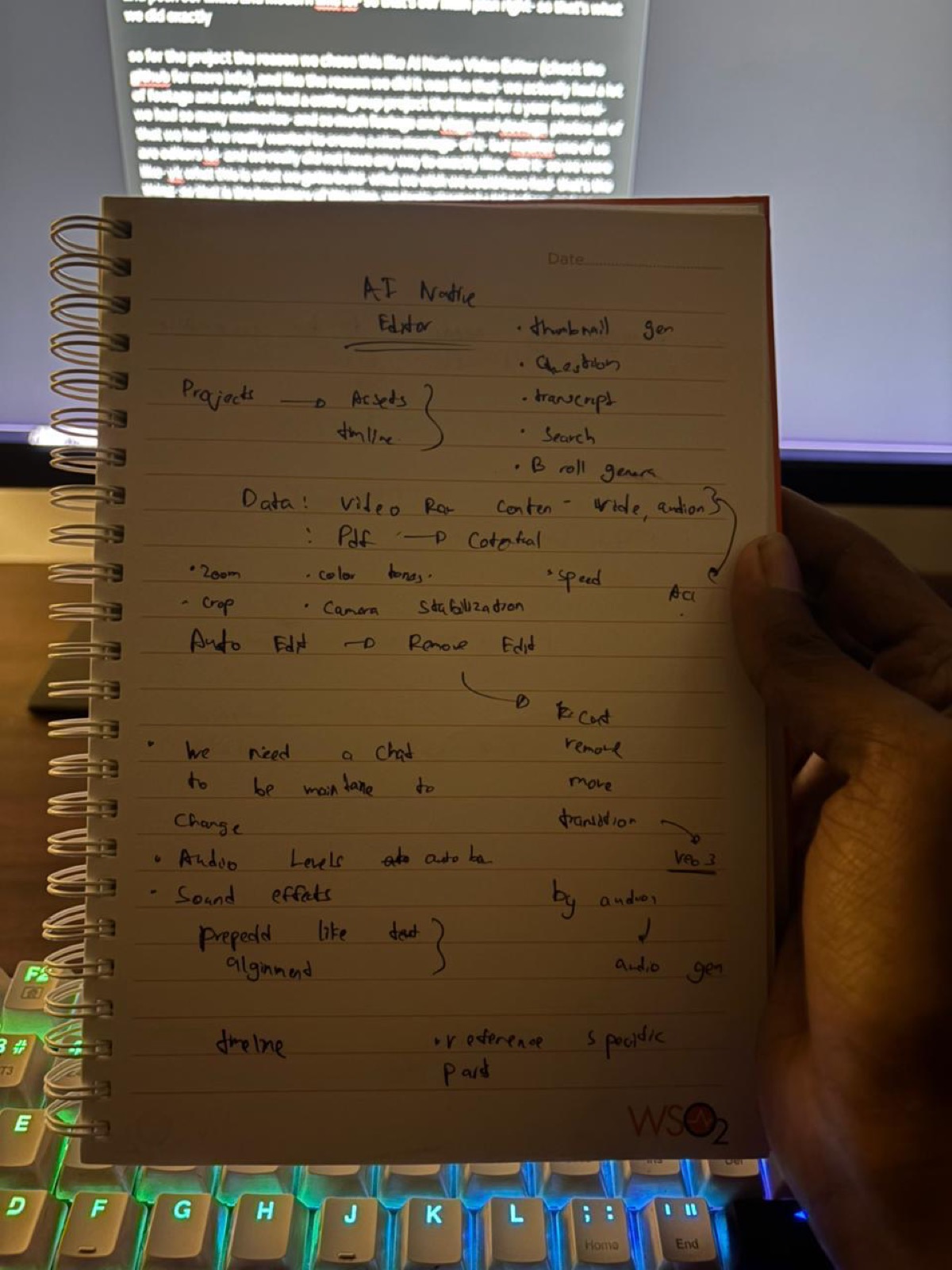
The core idea on that page was easy to state and hard to build. You have a project. Inside a project you have assets, which are your raw video and audio. You drop them in, and instead of learning a timeline, you talk to it. “Add a caption at five seconds.” “Cut the boring intro.” “Find the most interesting moment.” The editor understands your actual footage and does the work.
Around that core we wrote down everything we wished an editor could do: thumbnail generation, asking questions of your footage, transcripts, semantic search, B-roll generation, colour adjustment, speed ramps, audio levelling, captions. One feature was underlined twice: auto-edit. Drop raw footage in, get an editable timeline out, automatically. That was always meant to be the centre of the thing.
That page became the spec. We even kept the raw, unfiltered brainstorm in the README, so we would never lose the original intent.
What FrameOS Actually Is
At a high level, FrameOS is a fairly simple idea wrapped around a lot of moving parts. It is a desktop-native, chat-first video editor. The line we kept repeating to ourselves was this: drop raw footage, talk to it, get an editable timeline in about sixty seconds.
Put simply, you drop a clip in, the system understands it, and you edit by conversation. There is not a great deal to it conceptually. The difficulty, as always, lives in the parts you do not see.
How It Works
The interesting moment is the upload. The instant an asset lands, the backend fires three jobs in parallel, with no button to press. The first runs the audio through Whisper and produces a word-level transcript. The second pulls frames out with ffmpeg and pushes captioned frame embeddings into a Qdrant vector store, which is what makes the footage searchable: you can search your own video by meaning rather than by scrubbing. The third hands the whole thing to Gemini’s multimodal model, which reasons over the footage and builds a first-pass timeline.
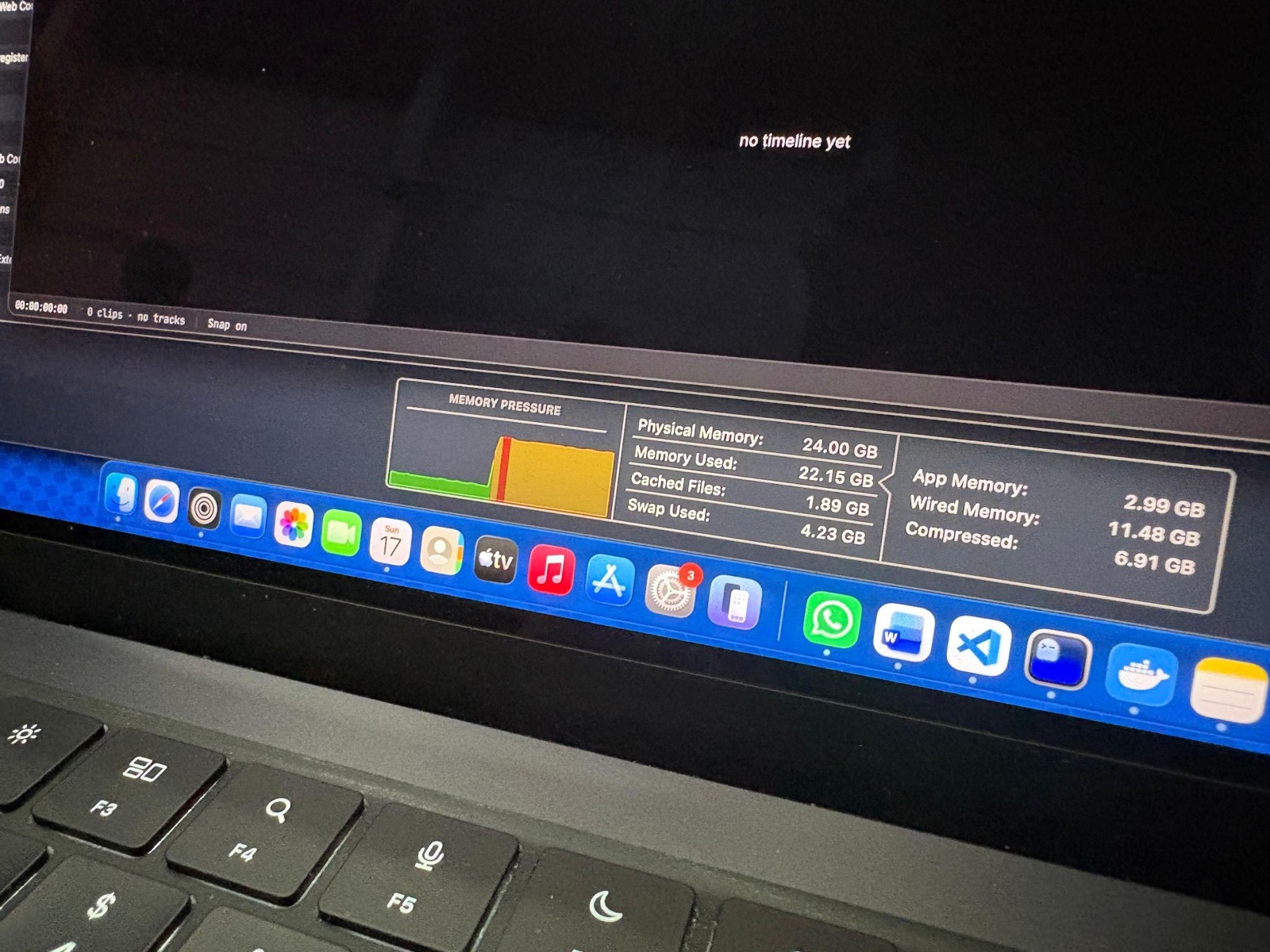
The asset stays locked until all three finish. Then the screen flips from a cold “no timeline yet” to a real, editable timeline you can actually touch. That flip is the entire product in one moment, and getting it to happen for the first time was the high point of the night.
From there you talk to it. The chat is wired to an agentic loop with around fifty tools by the end: trim, split, ripple-delete, add captions, adjust colour, set transitions, generate B-roll, generate music, find the strongest moment, remove silences, reframe for vertical, export, and a good deal more. You describe what you want in plain language and the agent calls the right tools against your timeline. There is also a crew mode: flip a toggle and the single agent becomes a small pipeline, where a planner decomposes the goal and then dispatches to specialists (an editor agent for timeline changes, a captioner for the words), each streaming its own thinking as a separate card. We wrote that orchestration by hand rather than pulling in a heavy library, partly out of discipline and partly because, by the time we built it, adding a dependency felt like an unnecessary risk.
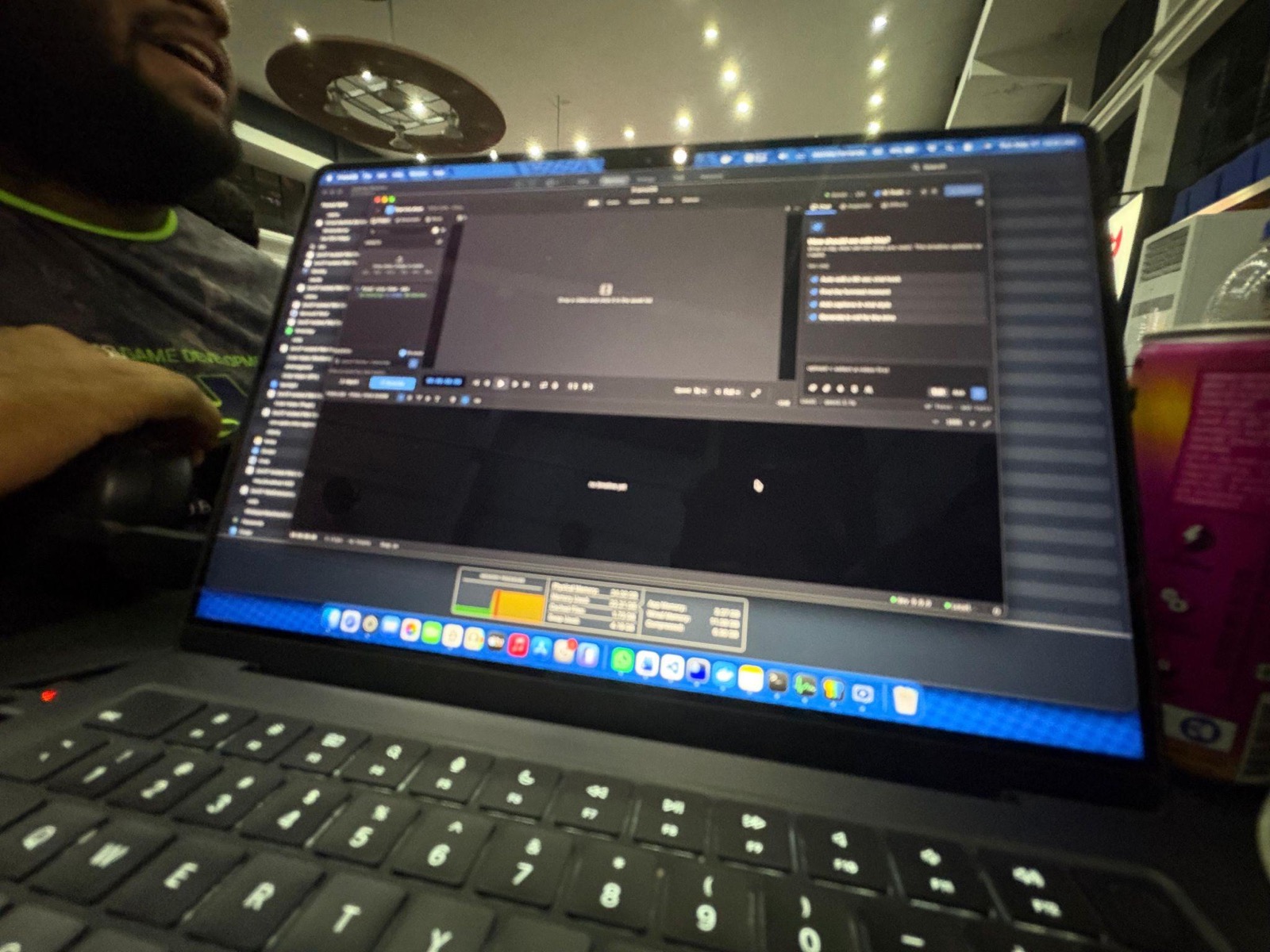
The rest grew into proper workspaces over the night. A colour page with a two-up before-and-after viewer and a real RGB parade sampled from the video. An audio page with live meters tapped straight off the Web Audio graph. A captions page with word-level highlighting that tracks the playhead. A deliver page that burns everything into an MP4 with server-side ffmpeg and drops it into your downloads.
Under all of this sits a stack that was, in hindsight, ambitious for a hackathon: a Tauri 2 desktop shell (Rust) wrapping a React and TypeScript interface, a Python FastAPI backend running in a local Kubernetes cluster, SeaweedFS for in-cluster storage, Qdrant for vectors, and Gemini’s media stack for the AI, with Groq’s Whisper for transcripts. Production-shaped architecture from the first hour, which was either brave or foolish depending on which hour of the night you asked us.
What Makes It Different
This is the part we care about most, and the reason we think it matters beyond the competition.
Most AI video tools at the moment fall into one of two camps. Either they are one-shot autopilots that hand you a generic short with no real timeline, or they are rough-cut generators that still dump you back into a traditional editor to actually finish. Nobody really owns the lane we wanted, which is to chat, iterate, and have it happen on a real, editable timeline. And almost all of them are someone else’s hosted product, with someone else’s pricing page.
FrameOS is fully open source and self-hostable, and that is the whole point. You bring your own keys, your own infrastructure, and, because the model layer is pluggable, your own model. The backend can talk to Gemini in the cloud, or you can point it at a local model through Ollama with a single header switch. Transcription runs locally and free. Nothing is held behind a paywall.
As far as we have seen, there is nothing quite like it: an open, extensible, self-hostable editor where iterating on a real timeline through chat is the core loop. Forking it is a matter of a few clicks, and bending it to your own needs is genuinely easy. That extensibility is the goal. We did not build a product to sell you. We built a thing you can own.
The Night Itself
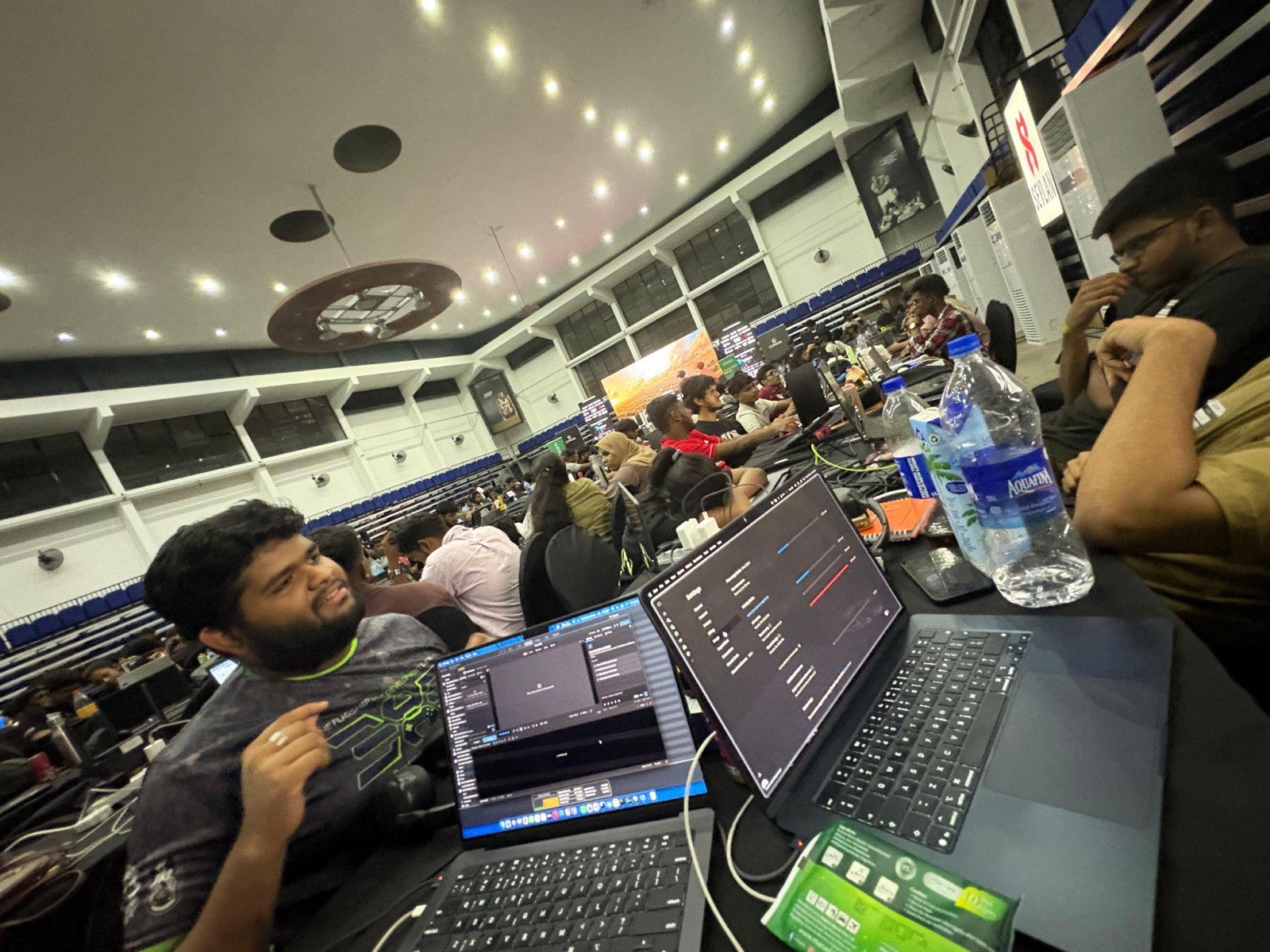
A clean description hides what the night was actually like, which was roughly twenty-three hours of small fires. Here is the more honest version.
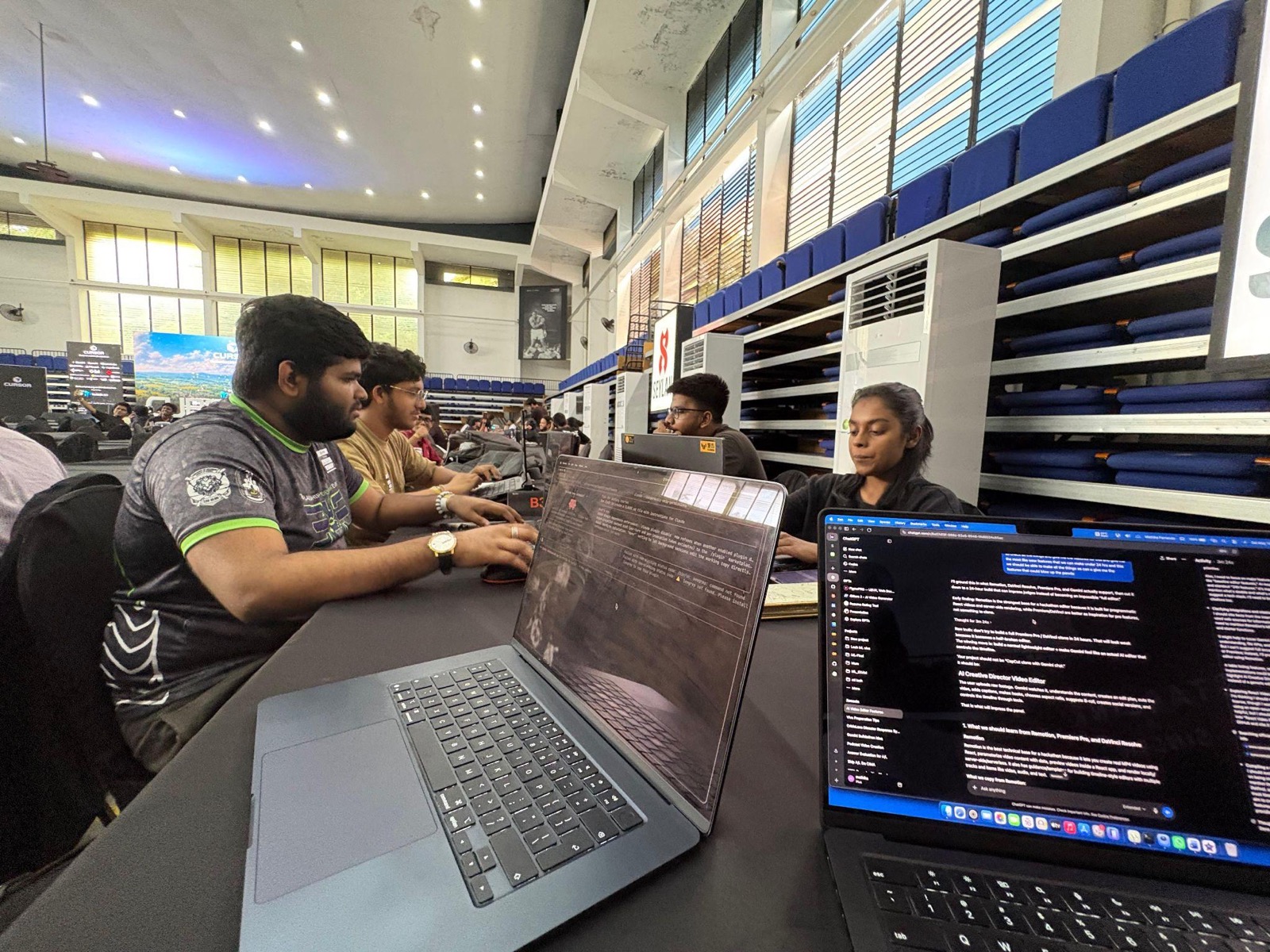
The first stretch was deceptively smooth. By early afternoon we had the monorepo scaffolded, the backend up, and the core wired together: asset upload, analysis, the streaming chat, ffmpeg export, local transcription, and the first few chat tool-calls. For a few hours it felt like we were flying.
Then came the rabbit holes.
The marketing video was the first. We wanted a slick hero reel for the demo, and we could not leave it alone. We must have rebuilt it five times over, each version chasing a slightly different look: a neon synthwave thing, then a stripped-back Apple-style thing, then something more cinematic, then something more kinetic, before admitting we had poured hours into what was, in the end, a side asset. That is the sort of time sink you only notice afterwards.
Then Tauri taught us about icons. There was a genuinely cursed half hour where the app refused to compile because the icons were the wrong format. We shipped placeholder violet squares just to get it building, then learned the hard way that Tauri wants 4-channel RGBA icons, regenerated everything, and moved on slightly humbled.
Around the ten-hour mark we hit a wall hard enough that we switched machines entirely, which meant carefully snapshotting the whole project and handing it over to a different laptop without losing our place. Not difficult, exactly, just the kind of thing that quietly eats twenty minutes you do not have.
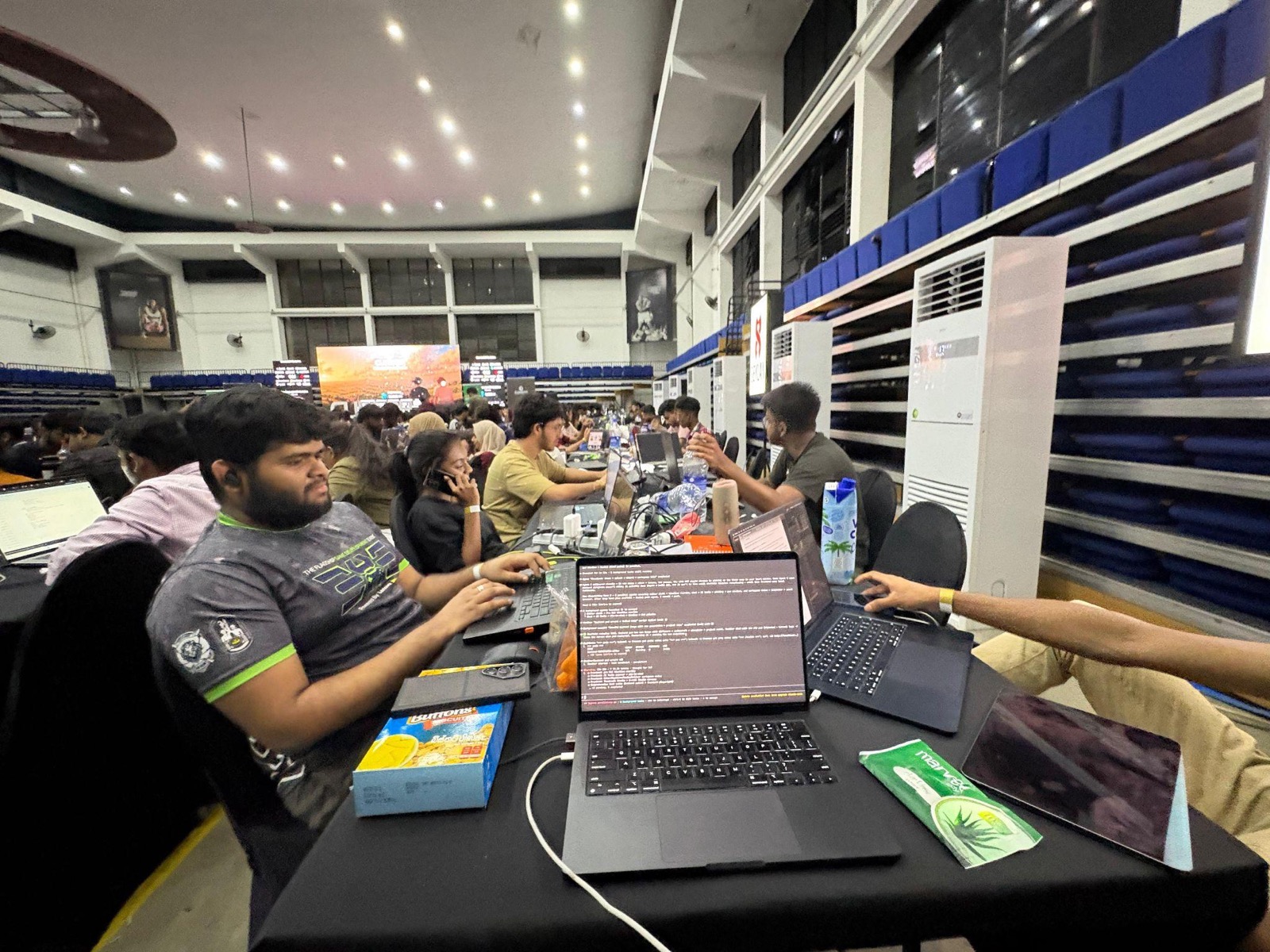
The overnight stretch is where the editor stopped being a rough prototype and turned into something approaching a real tool. A second pass, then a third. A projects model, a local-first pipeline, persistence, edge-trim, multi-select, a clip clipboard, what felt like an endless run of icons to wire across the interface, overlap prevention on drag, and gaps that render black and let the playhead pass through them the way a proper editor does.
The single most memorable battle was colour grading at three in the morning. It looks like one feature. In practice it was hours of quiet suffering. Getting a real before-and-after preview to render a frame without playing. Getting the sliders to actually move pixels. Building a free colour-wheel control and a real RGB parade sampled from the video frames. And then the genuine fight: the browser kept tainting the canvas under CORS, so we could not read the pixels back out to draw the parade. The fix was to proxy the video bytes through our own backend and play from a blob URL, so the engine would stop tainting the reads. If you have never debugged canvas tainting at three in the morning on no sleep, we would gently suggest not starting.
By the time the sky started to lighten, neither of us was really forming full sentences, and the notes we were leaving each other had stopped making much sense. The agentic chat, which the whole product leans on, only properly came together in those last couple of hours before the deadline, alongside all the unglamorous reliability work (multi-asset handling, saved chat history, retries on stuck uploads, timeout handling) that keeps a live demo from falling apart. We pushed the last real change a little after eight in the morning and more or less stopped functioning shortly after.
The Best Moment
If you ask either of us for the single best moment, we give the same answer. It is the first time we dropped a clip in, watched the three pipeline badges turn green one after another, and saw the screen flip from “no timeline yet” to a timeline we could grab and drag. The basic flow, working end to end, for the first time. Everything after that was refinement. That moment was the proof that the notebook page had been real all along.
How We Used Cursor
Since this is going on the Cursor Sri Lanka blog, it is worth being specific about the part that genuinely changed how we worked.
The thing that mattered most was AGENTS.md. We went in treating it as a nice-to-have. We came out understanding it as the single most load-bearing file in the repository. It is the constitution: what we are building, the locked stack, the coding standards, the git workflow, the testing bar. The instruction at the top says it plainly, that this file is to be read before generating any code, and that if it conflicts with an agent’s defaults, the file wins. Once that document was solid, every agent we pointed at the repo stayed on the rails. It is difficult to overstate how much leverage a good AGENTS.md gives you, and that was probably the single most useful realisation of the whole event.
The second surprise was Composer. It is the smaller model, and we expected to babysit it. Instead it was remarkably effective for exactly the kind of fast, iterative, tool-heavy work a hackathon demands. Paired with a tight AGENTS.md, it punched well above its size and let us move at a pace two people could not otherwise have reached. Cursor’s agentic loop, given a clear specification, was the real multiplier of the night.
We also leaned on a set of habits that look boring and quietly saved us. Conventional commits the whole way through. A strict no-comment, no-emoji rule that forced the code to explain itself through naming. Style guides enforced by tooling. Pre-commit hooks we refused to skip, even at four in the morning when it was tempting. A real CI pipeline. None of it is exciting, and all of it is what kept the sprint from turning into mud.
What We Took Away
The clearest process lesson was about project management. We ran our tickets out of a physical notebook, literally writing tasks down and crossing them off. It worked, in the way duct tape works, but it was the wrong tool. We should have used GitHub Projects with proper issues, and that is the first thing we would change.
The deeper lesson is about the difference between fast development and proper development, and how the two are not actually opposites. The instinct in a hackathon is to throw discipline out of the window and simply ship. We did the opposite, and spent real time up front on the setup: the monorepo, the style guides, the tests, the CI, the hooks, and the AGENTS.md. That investment is precisely what let us move quickly later, because the foundation never wobbled. The setup is the thing that set the build apart. The small details (clean commits, working hooks, a spec the agents could actually read) compound into the ability to sprint without falling over.
Beyond The Competition
We did not build FrameOS to win a category. We built it because we needed it. But the thing about scratching your own itch in the open is that a great many other people have the same itch.
There are countless people sitting on folders exactly like ours: creators, students, podcasters, course makers, anyone with more footage than editing skill. An open, self-hostable, model-agnostic editor that you can fork in a few clicks and run on your own terms is a genuinely useful thing to put into the world. No paywall, no lock-in, no “upgrade to export”. Just a tool you can own and shape to whatever you need.
That is the impact we actually care about. The competition was the excuse. The tool is the point.
And The Montage?
We still have not cut it. A year of footage, and it is still sitting in that folder.
But for the first time, that does not feel like a wall anymore. We built the thing we always wished we had. Now we just have to drop the clips in and start talking.
See you at the next one.
Project: github.com/BitByBit-B3/frame-os
Want to write for Cursor Colombo? Join the community.
Join WhatsApp Community